iPhone 18 Pro Shortcuts lets users review an AI answer before the next action
Apple's Shortcuts guide separates on-device, cloud and extension models, and describes a Follow Up option that lets users refine a response before passing it onward.
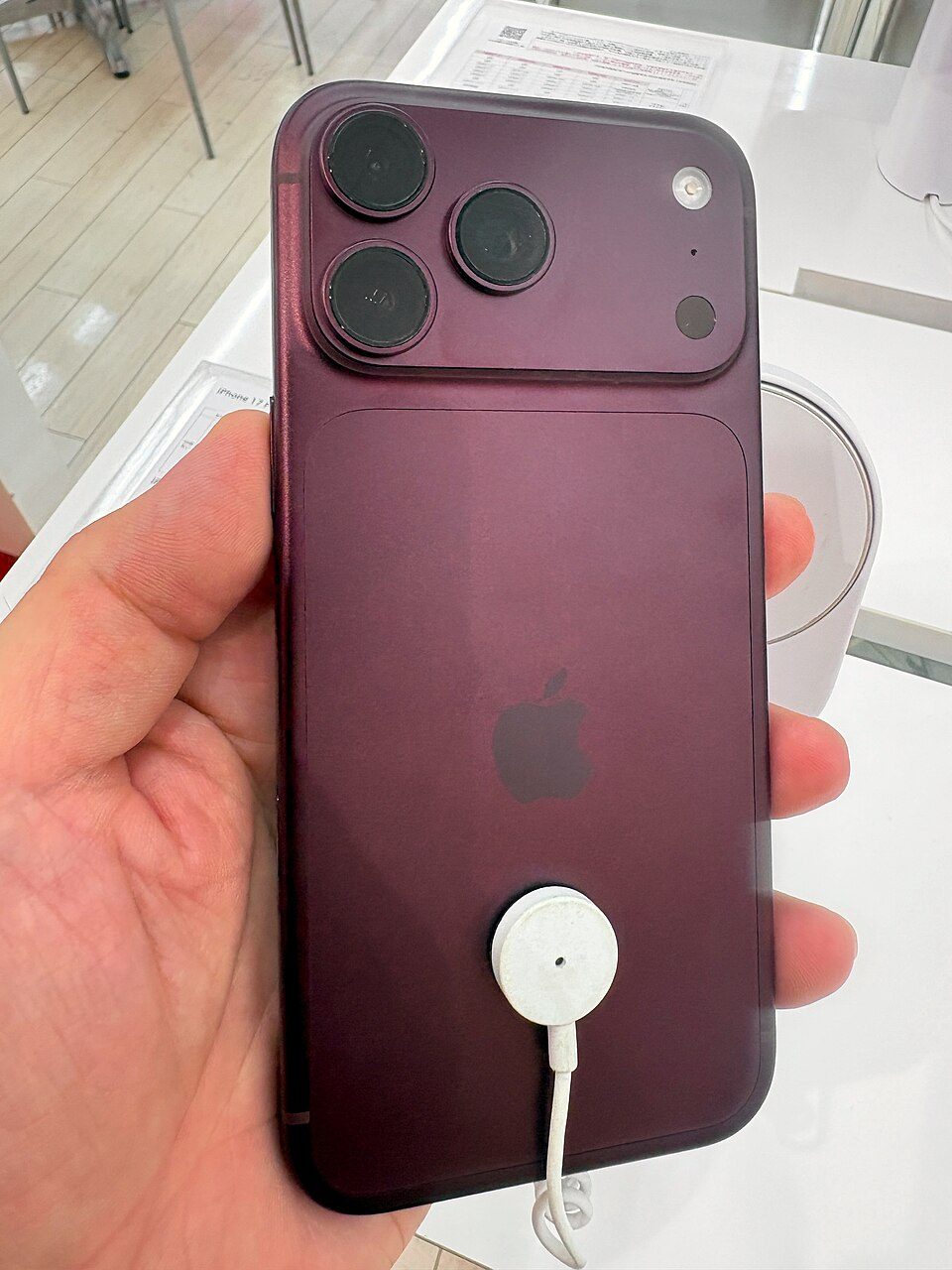
On iPhone 18 Pro, an AI response inside Shortcuts can become input for the next action. Apple's guide gives users two decisions before that handoff: where the model runs and whether to review its answer.
The On-Device option handles simple requests without a network connection for that model step. Cloud and Cloud Pro use Private Cloud Compute; Cloud Pro offers more context for larger tasks. The extension option uses ChatGPT. Other actions in the shortcut may still need the internet.
Selecting Follow Up displays the response and lets the user refine the request before the final result passes onward. Inputs can include prior action outputs, calendar events, reminders and photos, so the review point sits between generated content and the rest of the workflow.
These tools also work on other eligible iPhones with Apple Intelligence and iOS 27. They are not exclusive features of the new Pro. Apple's instructions describe configurable controls, not a guarantee that every output is correct.
 프리즘코리아 편집국 > Daniel Reed