iPhone Duo apps will run unchanged, but developers have a layout checklist
Apple says existing iPhone apps will run on iPhone Duo without an iOS 27 rebuild, but filling and using its folding displays well takes testing. Its developer guidance points to size classes, scene bounds, asymmetric safe areas, standard navigation and simulator checks across open, closed, rotated and folded poses.
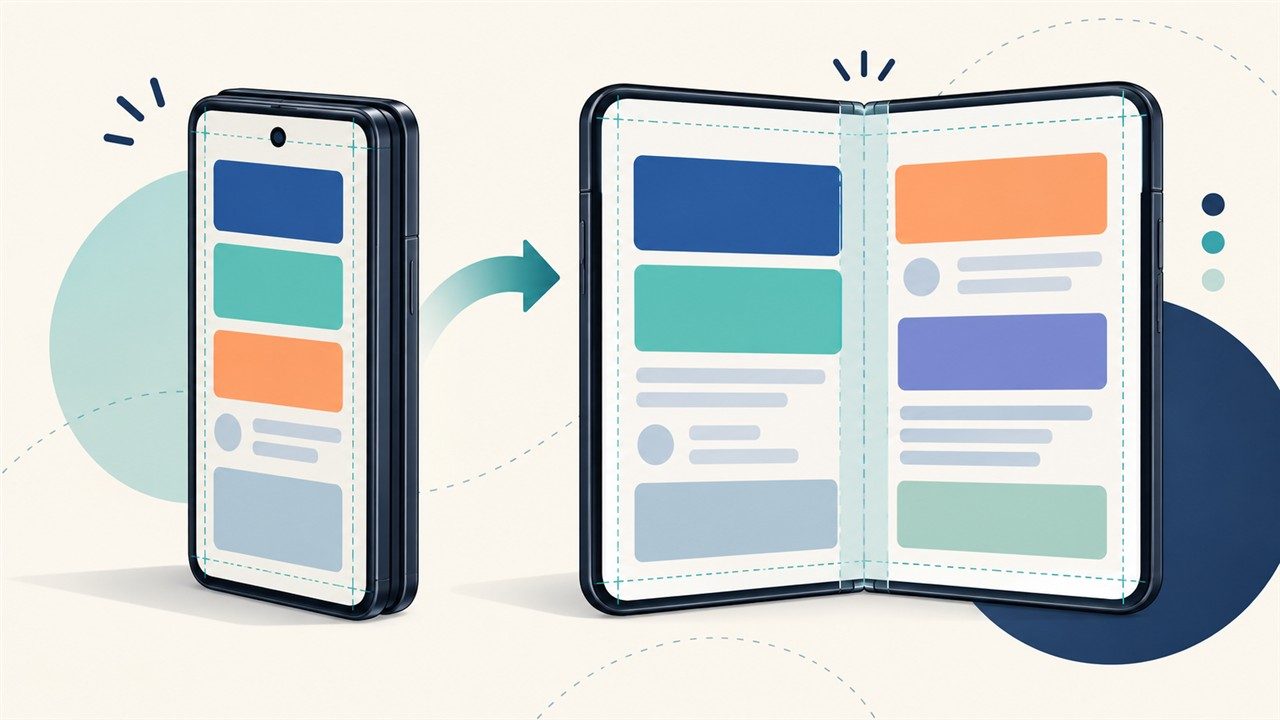
Apple's first folding iPhone presents a software question that its launch specifications alone cannot answer: what happens to an app when the phone opens, closes, rotates or rests partly folded? In an official developer Tech Talk, Apple says an existing iPhone app will still run on iPhone Duo even if it was not built with the iOS 27 SDK. That is a compatibility statement, not a promise that every interface will use all the available display space elegantly. Apple describes progressively fuller screen use with the iOS 27 and 27.1 SDKs.
The outer display behaves like a compact iPhone screen, while the open inner display gives apps a regular horizontal and vertical size class and room for sidebars. Apple advises developers to decide layout from the space actually available, using SwiftUI's environment or UIKit's trait collection, rather than treating an interface orientation or a device label as a fixed map of pixels. Its talk notes that the inner display does not honor supported interface orientations in the same way as the outer one. An app that uses orientation alone to select a two-column view therefore needs a closer test.
The two-display design also makes a familiar shortcut unreliable. Apple tells developers to avoid a reference to the 'main screen' because that expression is ambiguous here and is planned for deprecation. Local measures such as a scene's bounds, trait collection or the current environment are preferable; when direct screen access is needed, the developer can obtain it from the window scene. This is concrete migration advice for apps with custom rendering and measurements, not evidence that any named third-party app has already failed.
Standard navigation components can remove some of the work. Apple's transcript says SwiftUI NavigationSplitView and UIKit UISplitViewController collapse columns when the phone is closed and can tile or overlay them when it opens. Tab views, sheets and other standard presentations also adapt. For apps that draw their own controls, the limits are sharper: interactive foreground elements should stay inside safe areas, while full-bleed backgrounds can extend farther. On Duo, those insets and margins may differ between the left and right edges, particularly in landscape or Split View, so a symmetric padding calculation can put controls in the wrong place.
Apple's separate layout talk treats the fold and cameras as reserved regions. The company describes arrangements that can move or divide content around these regions rather than simply stretching a narrow page across a large panel. Its iOS 27.1 APIs, named ReservedRegion in SwiftUI and UIViewReservedRegion in UIKit, give custom interfaces a way to use space near system controls without colliding with them. The examples explain available design tools; they do not establish that every app needs a custom fold-specific interface. An app based on adaptive system components may need much less work than one with fixed widths or a bespoke toolbar.
Testing is the practical dividing line between an app that launches and one that works comfortably in every pose. Apple directs developers to Xcode 27.1's iPhone Duo simulator in Device Hub, where they can open, close, rotate and fold the device, then test Split View on the inner display. A useful check is whether primary actions remain visible beside the camera and vertical system bars, whether a sidebar collapses sensibly on the outer screen, and whether content survives a size change without clipped text or unreachable buttons. Those are proposed test questions derived from Apple's guidance, not results of independent tests of shipped apps.
Apple's consumer announcement says iOS 27 is tailored to Duo and that developers can adapt apps with updated SDKs. The developer material makes the narrower implication clear: compatibility can arrive before an interface is fully optimized. iPhone Duo was announced in September for an October 23 release, so this account relies on Apple's published design and engineering guidance rather than a hands-on audit of retail hardware or third-party apps. The accompanying image is a generated conceptual illustration of adaptive columns, not an Apple screenshot or proof of an app's behavior.
 프리즘코리아 편집국 > Daniel Reed